00bet Login
Enter your mobile number and password to access your account. Secure login for slots, cricket betting and live dealer tables. New players can register here.
Keep Your Account Safe
Follow these security practices when logging in to 00bet from any device.
Use Strong Passwords
Combine letters, numbers and symbols. Avoid birthdays or phone numbers. Change your password every few months. A strong password prevents unauthorized access even if someone knows your mobile number. Never share your password with anyone, including people claiming to be from support.
Check the Web Address
Always verify you are on 00bet.co before entering your login details. Phishing sites copy the design but use different URLs. Bookmark the official site or use the 00bet app to avoid fake login pages. If a link in an SMS or email looks suspicious, type the address manually instead of clicking.
Avoid Public Wi-Fi for Login
Public networks at cafes or transport hubs can expose your password to interception. Use mobile data or a trusted private network when logging in. If you must use public Wi-Fi, enable a VPN to encrypt your connection. Log out completely after each session on shared or public devices.
Enable Two-Factor Login (If Available)
When 00bet sends a verification code to your mobile number, it adds an extra layer of security. Even if someone gets your password, they cannot log in without access to your phone. Keep your registered mobile number active and ensure you can receive SMS messages. Update your number in account settings if you change SIM cards.
Log Out on Shared Devices
If you log in from a friend's phone or a shared computer, always click Log Out when you finish. The "Keep me logged in" option should only be used on your personal device. Clear browser history and saved passwords on any device you do not own. Check active sessions in your account settings and terminate any unrecognized logins.
Login Issues and How to Fix Them
Common login problems, their causes, and step-by-step solutions for players in Bangladesh.
| Problem | Likely Cause | Solution |
|---|---|---|
| Incorrect password error | Typing mistake, caps lock on, or password changed recently and you forgot the new one. | Check caps lock and spelling. Try copying and pasting if your password is saved. If still incorrect, click "Forgot your password?" below the login form to reset it. You will receive a recovery link or code via SMS to your registered mobile number. |
| Mobile number not recognized | Entered the wrong number format (missing 01 prefix or using +880), or the number is not registered yet. | Enter your mobile number exactly as you registered it: 01XXXXXXXXX with no spaces or dashes. If you registered with +880, include the country code. If the number is still not recognized, you may need to create a new account. |
| Account locked or suspended | Multiple failed login attempts in a short period, or account flagged for security review or terms violation. | Wait 15 minutes and try again if it was due to failed attempts. If your account remains locked, contact 24/7 live chat support with your registered mobile number and username. They will verify your identity and unlock the account or explain any restrictions. |
| Page loads slowly or times out | Weak internet connection, server maintenance, or browser cache issues. | Check your mobile data or Wi-Fi signal. Try refreshing the page or switching between mobile data and Wi-Fi. Clear your browser cache and cookies, or try a different browser. If the site is under maintenance, wait a few minutes and retry. The 00bet app often loads faster than the mobile site. |
| Login button does nothing | JavaScript disabled in browser, outdated browser version, or conflicting browser extension. | Ensure JavaScript is enabled in your browser settings. Update your browser to the latest version. Disable ad blockers or VPN extensions temporarily. If using an older Android phone, download the 00bet APK for a native app experience that does not depend on browser settings. |
| Verification code not received | SMS delay from operator, incorrect number on file, or inbox full. | Wait up to 3 minutes for the SMS to arrive. Check your spam or blocked messages folder. Ensure your mobile number in account settings matches the SIM card you are using. If the code still does not arrive, request a new code or use the alternative login method (username instead of phone number) if available. |
Login Methods Compared
Choose the login method that works best for you. Mobile number login is fastest for most players in Bangladesh.
| Feature | Mobile Number | Username | 00bet App |
|---|---|---|---|
| Speed | Instant if you remember your number | Fast if you remember your username | Fastest with saved login |
| Password recovery | SMS recovery available | Requires email or mobile | In-app recovery |
| Works offline initially | Needs connection | Needs connection | Cached credentials |
| Best for | Players who always use the same mobile number | Players who prefer a custom username | Regular players who want one-tap access |
| Security level | High if you keep your SIM card secure | Medium, depends on password strength | High with device lock enabled |
Most players in Bangladesh use mobile number login because it is tied to their registered SIM card and enables SMS password recovery. If you created your account with a username, you can still use it to log in. The 00bet app offers the fastest experience with saved credentials and biometric login on supported devices.
How to Log In to 00bet
Follow these steps to access your account from any device.
-
01
Open the 00bet Website or App
Go to 00bet.co in your mobile browser or open the 00bet app if you have it installed. The login form appears on the homepage. Tap the "Login" button in the top navigation if you do not see the form immediately. Make sure you are connected to the internet via mobile data or Wi-Fi before proceeding.
-
02
Enter Your Mobile Number or Username
Type your registered mobile number in the format 01XXXXXXXXX without any spaces, dashes, or country code unless you registered with +880. If you created your account with a username instead of a mobile number, enter that username exactly as you set it. Double-check for typos before moving to the next field to avoid login errors.
-
03
Enter Your Password and Verify
Type your password carefully. Passwords are case-sensitive, so ensure caps lock is off unless your password includes capital letters. If you enabled two-factor verification, you will receive an SMS code on your registered mobile number after entering your password. Enter the code in the next screen to complete the login. The code is valid for 3 minutes.
-
04
Access Your Account Dashboard
After successful login, you land on your account dashboard where you can see your balance, recent bets, available bonuses, and quick links to deposit or start playing. Check the top-right corner to confirm your username or mobile number is displayed, which means you are logged in. If you selected "Keep me logged in," you will remain logged in until you manually log out or clear your browser data.
Forgot Your Password? Recover It in 3 Steps
Reset your password and regain access to your 00bet account using your registered mobile number.
-
01
Click "Forgot Your Password?" on the Login Page
The link appears below the password field on the login form. Tap it to open the password recovery screen. You will be asked to enter your registered mobile number. Type the number exactly as you registered it, then tap "Send Recovery Code." 00bet will send a 6-digit verification code to your mobile number via SMS within 1 minute.
-
02
Enter the Verification Code
Check your SMS inbox for the code. It is valid for 10 minutes. Enter the 6-digit code on the recovery screen and tap "Verify." If you do not receive the code within 3 minutes, check your spam folder or request a new code by tapping "Resend Code." Ensure your mobile number is active and can receive SMS messages from shortcodes.
-
03
Set a New Password and Log In
After verification, you will see a form to create a new password. Enter a strong password with at least 8 characters, including letters, numbers, and symbols. Confirm the password by typing it again. Tap "Reset Password" to save the new password. You will be automatically logged in and redirected to your account dashboard. Write down your new password or save it in a password manager to avoid forgetting it again.
Frequently Asked Questions About 00bet Login
01 Can I log in from multiple devices at the same time?
Yes, you can log in to 00bet from multiple devices simultaneously. For example, you can be logged in on your mobile phone and your laptop at the same time. Your account balance, bets, and session data sync across all devices in real time. However, if you log in from too many devices at once (more than 4), older sessions may be automatically logged out for security reasons. You can view and manage active sessions in your account settings under "Security."
02 What should I do if someone else is using my account?
If you suspect unauthorized access, change your password immediately through the "Forgot your password?" link or in account settings. Check your recent login history in the account security section to see if there are logins from unfamiliar locations or devices. Log out all active sessions except your current one. Contact 24/7 live chat support and request a security review. They can temporarily freeze your account, investigate suspicious activity, and help you secure it. Enable two-factor verification if available to prevent future unauthorized logins.
03 Do I need to verify my account before I can log in?
No, you can log in immediately after registration without verifying your account. However, you must complete KYC verification before making your first withdrawal. Verification requires uploading a copy of your National ID Card, Passport, or Driving Licence. The review process takes up to 6 hours. You can still deposit, place bets, and play games while your documents are under review. Unverified accounts may have deposit and betting limits applied until verification is complete.
04 Can I log in with Facebook or Google instead of a password?
00bet does not currently support social login via Facebook, Google, or other third-party platforms. You must create an account directly on 00bet using your mobile number or username and set a password. This ensures your account security and privacy are not tied to external platforms. If you want easier login, use the 00bet app and enable biometric login (fingerprint or face recognition) on supported Android devices. This gives you one-tap access without typing your password each time.
05 What if I changed my mobile number and cannot log in?
If you registered with a mobile number and no longer have access to that number, you cannot use SMS password recovery. Contact 24/7 live chat support immediately. You will need to provide your username, date of birth, and answers to any security questions you set up during registration. Support may also ask for a photo of your National ID to verify your identity. Once verified, they can update your registered mobile number or help you regain access through an alternative method. Always update your mobile number in account settings if you change SIM cards to avoid this issue.
06 Is it safe to stay logged in on my phone?
Yes, if your phone is protected with a screen lock (PIN, pattern, fingerprint, or face unlock) and you do not share your device with others. The "Keep me logged in" option saves your session so you do not have to enter your password each time you open the site or app. This is convenient for personal devices you control. However, never enable this option on shared, borrowed, or public devices. If your phone is lost or stolen, log out all sessions remotely from another device by contacting support or using the account security settings if you can access your account from a computer.
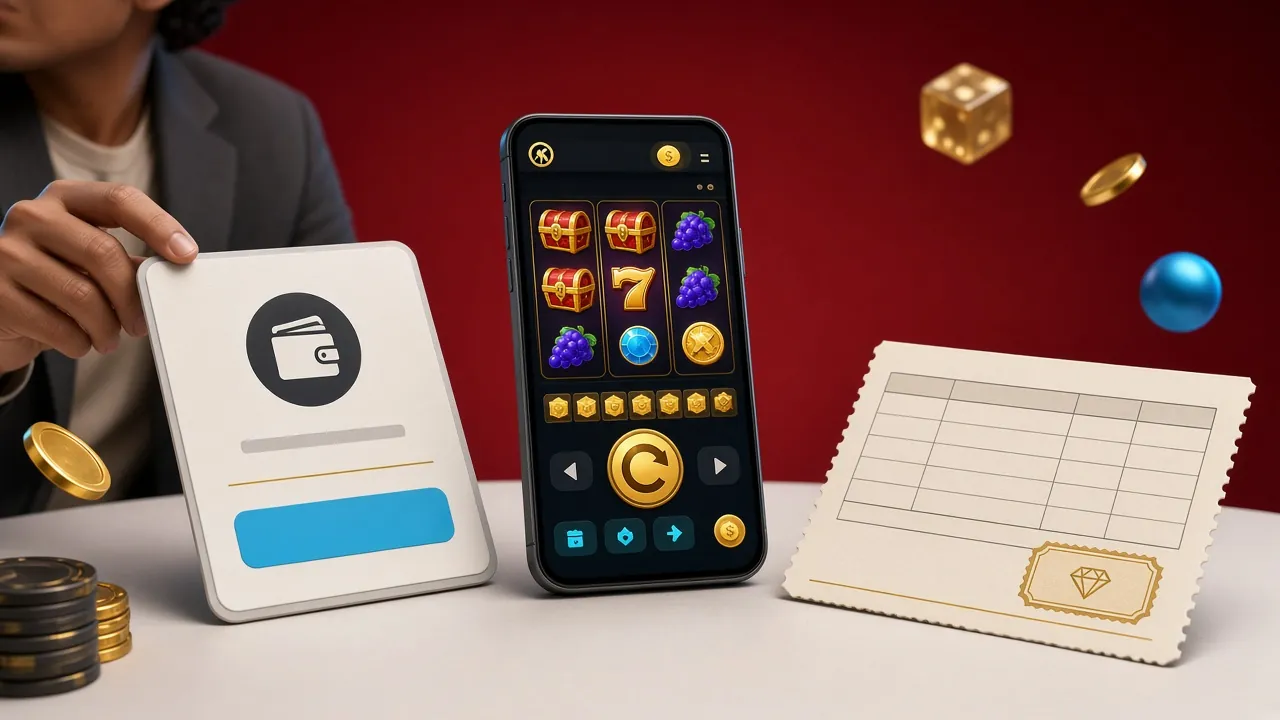
Log In Faster with the 00bet App
The 00bet Android app lets you save your login credentials and use biometric unlock (fingerprint or face recognition) for one-tap access. No need to type your password every time. The app also loads faster than the mobile site, especially on slower connections.
Download the APK directly from 00bet.co. The app is free, 36 MB in size, and works on Android 6.0 and above. Once installed, log in with your existing mobile number and password. Enable biometric login in the app settings after your first login.
Download 00bet AppReady to Play at 00bet?
Log in now to access over 5,200 slots, live dealer tables, cricket betting markets, and exclusive bonuses. Your account balance and bets sync across all devices.