00bet Register: Your Account in One Screen
Four fields on a phone, no documents at sign-up, and the lobby opens in the same session. Use the number that receives your bKash or Nagad SMS, because every deposit is checked against it.
Fill In and Confirm
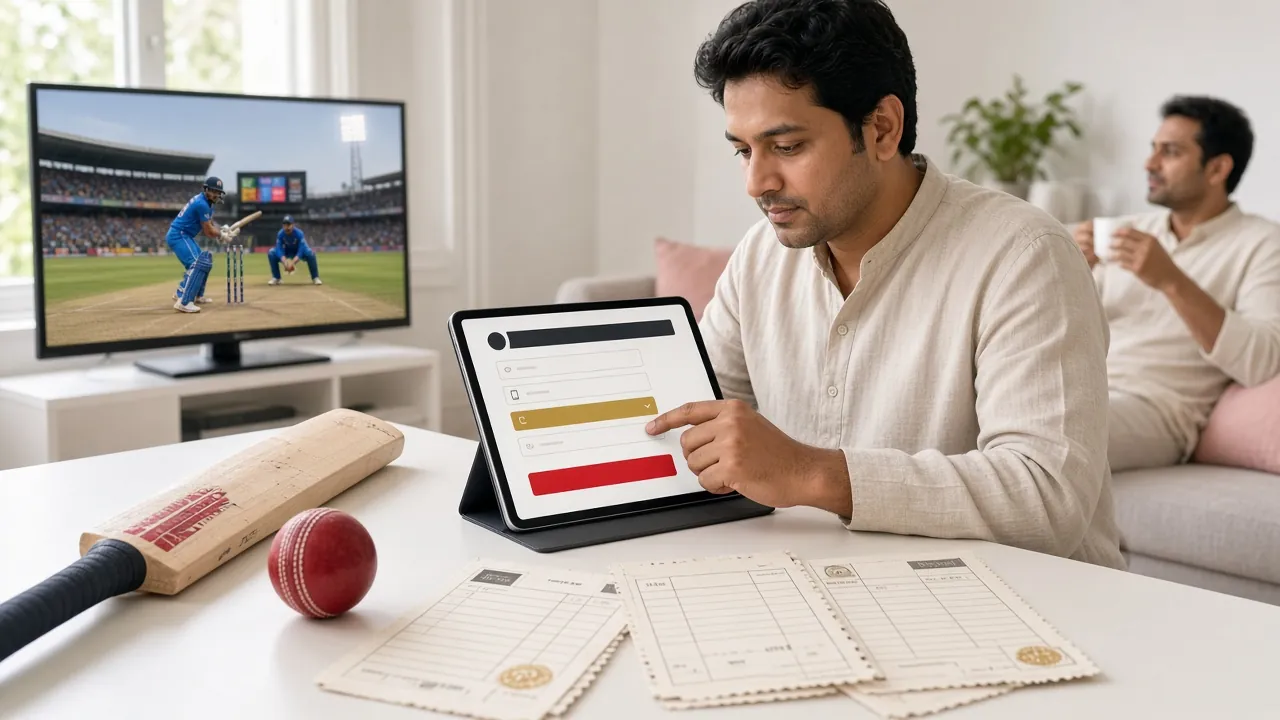
One screen, four fields. The SMS code goes to the number you type here, so read it twice before you press the button.
The First Hour After You Register
Sign-up is the easy part. What happens in the next sixty minutes decides whether the bonus is credited, whether a withdrawal clears without questions, and how quickly you can leave the table with the money.
-
01
Deposit ৳200 to set the bonus in motion
The smallest accepted top-up is ৳200. bKash, Nagad, Rocket, Upay and bank transfer all reach the account in about 1 minute, day or night. Only the first deposit is matched, so fund the wallet before you join a table.
-
02
Send one photo ID before your first withdrawal
Nothing is uploaded at registration. Before the first cash-out the payments team asks for an NID card, passport or driving licence. The review takes around 6 hours, and once it is done the same account clears later withdrawals without repeating it.
-
03
Expect 10x turnover on bonus money
Bonus funds carry a 10x play-through. Deposit ৳2,000, receive ৳2,000, and ৳20,000 has to run through eligible casino slots or live tables before any of it converts to cash.
-
04
Keep the password and the SMS code private
No member of staff asks for your password or the code, not in live chat and not on the phone. Support runs 24/7 to solve problems, never to log in for you. If someone asks, end the conversation and start a fresh chat from the help centre.
Four Steps: Number, Password, Code, Confirm
The whole form fits one phone screen. Do the fields in this order and nothing needs correcting afterwards.
-
01
Enter your mobile number
Pick +880, then type the 11 digits starting with 01. Use the SIM your bKash or Nagad wallet is registered to, because a mismatch between wallet name and account name slows the KYC check later. Spaces and dashes are not needed.
-
02
Set a password you do not reuse
Eight characters or more, with letters and numbers mixed. Do not repeat a wallet PIN or a password from another site. Both boxes hide what you type, so pause and check the second one; a mismatch is the most common reason the form refuses to submit.
-
03
Add a referral code, or leave it empty
If a friend sent a code, type it exactly as written. The referral credit of ৳575 is applied to both accounts after your first qualifying deposit. No code? Leave the field blank, open the account, and share your own code later.
-
04
Tick the terms box and press Register Now
The checkbox confirms you are 18 or older and accept the house rules. Press Register Now. If the number is new the cashier opens; if the form says the number exists, you already have an account, so use 00bet login instead of signing up twice.
Every Field on the Register Form
Five entries, five rules. Get the mobile number right and the rest takes seconds.
| Field | What to enter | Worth knowing |
|---|---|---|
| Mobile number | 11 digits beginning with 01, with +880 | Becomes your login name. One account per number. |
| Password | 8+ characters, letters and numbers | Never a wallet PIN or a password used on another site. |
| Confirm password | The same password, typed again | Catches typos; both boxes show dots, not letters. |
| Referral code | A friend's code, if you have one | Optional, and it cannot be added after sign-up. |
| Terms checkbox | One tick, no typing | Confirms 18+. The form will not submit without it. |
Nothing else is requested here: no NID photo, no address proof, no card details. The SMS code arrives after you submit and is not a field on this page. Name and documents come at the KYC step, before the first withdrawal, and they must match the wallet your deposits arrive from.
Your First Deposit Doubles up to ৳10,000
When the Form Says No: Five Fixes
Most failed sign-ups come down to five small things. Check this list before you open a chat, because four of the five are solved in under a minute.
| Message or symptom | What it usually means | What to do |
|---|---|---|
| The SMS code never arrives | Number typed wrong, or the operator is holding the message | Check the first two digits (013 to 019) and the digit count. Tap resend once after 60 seconds, then restart the phone. Still nothing? Live chat can test the number. |
| "Number already registered" | An account already uses that SIM | One number, one account. Open 00bet login and reset the password. A second registration is closed at KYC and the bonus goes with it. |
| Password rejected | Under eight characters, letters only, or the two boxes differ | Retype both boxes with at least eight characters and one number. A single capital letter in one box is enough to fail the second field. |
| Register Now does nothing | Terms box unticked, or the browser is blocking scripts | Tick the checkbox, then reload in Chrome or Firefox. Some in-app browsers drop the form; open 00bet in the phone's main browser instead. |
| The page resets while typing | Private mode, or cookies cleared mid-session | Sign up in a normal window with cookies allowed. Private browsing wipes the form between steps and the submit usually fails without a message. |
If all five fail, take the number and the time of the attempt to live chat and let the team check the record. Do not open a second account on another SIM; duplicates are caught at KYC, both accounts are closed, and no bonus survives.
What New Players Ask Before Registering
Short answers to the six questions that come up most often at the form.
01 Do I need an ID document to register?
No. The form asks for a mobile number, a password and a tick on the terms. Identity checks start later: before the first withdrawal you upload an NID card, passport or driving licence, and the team usually finishes the review within 6 hours. You can deposit, play and win before that step.
02 Can I open more than one account?
One per person is the rule. The number is the account, so a second registration on the same SIM is refused at the form, and a second account on another SIM is caught during KYC when the name and ID match an existing record. Duplicates get closed and any bonus tied to them is removed.
03 The SMS code never arrived. What now?
Check the number first: 11 digits, starting 013 to 019. Ask for one resend after a minute, then switch the phone off and on to re-register on the network. Messages also stall when the inbox is full. If the code still does not come, live chat can confirm whether the number is receiving.
04 I forgot the password minutes after signing up
Use the reset link on the login page. Enter the same mobile number, take the SMS code and set a new password; nothing else on the account changes. Bonus money, deposits and VIP progress stay where they are, because the reset only touches the password, never the balance.
05 Does the 100% match apply to every deposit?
Only the first one, up to ৳10,000, from a minimum of ৳200. Later top-ups earn the 22% reload instead, and daily cashback returns 0.7% on your tier. All three run through the same wagering rule of 10x, so check the bonus balance before you join a table with it.
06 Can I register in the app instead of the browser?
Yes, the fields are identical. Download the APK from the app page, install it, and the sign-up screen appears on first launch. The account works in both places with the same number and password, so you can register on the phone and log in later on a laptop.
One last thing before you press the button: write the password down somewhere private, and keep the number you registered with active. Both are needed for every future login, deposit and cash-out, and support cannot see either of them. Help with anything on this page is available in live chat, 24 hours a day.